

Controls
Set up and play with body motion
Turn any room into a place to play. These five steps match the simulator setup guide inside Golf Simulator.
Choose motion controls. Touch controls are the default for play on your device. To use the camera, open Pause Menu → Game Settings → Input Settings and select motion controls.
-
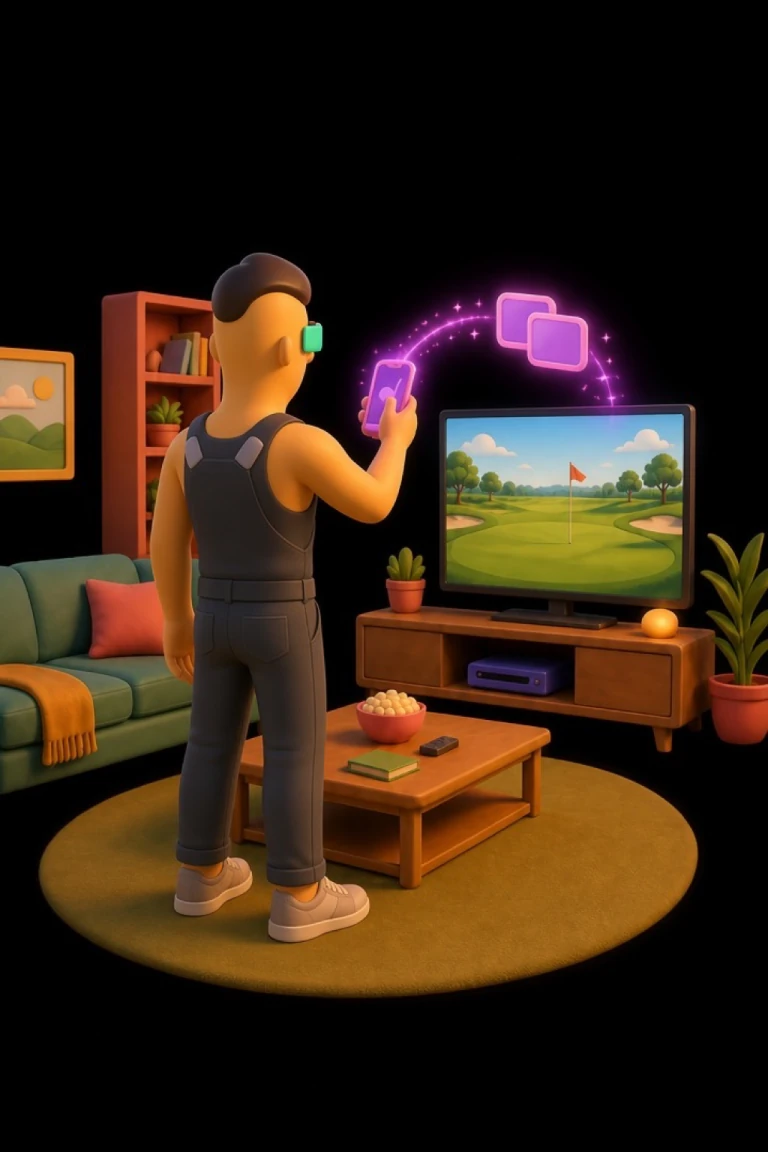 Step 1
Enable Screen Mirroring
Open Control Center on iOS, tap Screen Mirroring, then choose your TV or projector.
-
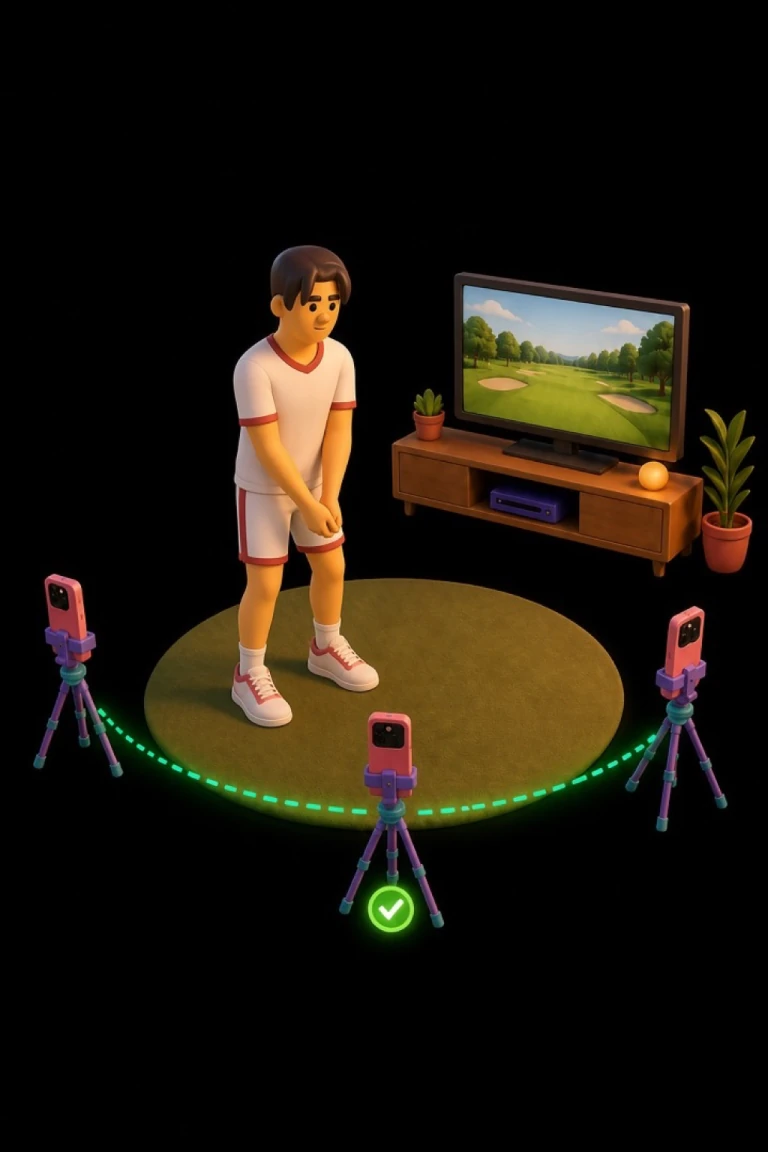 Step 2
Position Your Device
Place your iPhone or iPad along the green arc from about 10° to 170°. Point the front or back camera toward your hitting area.
-
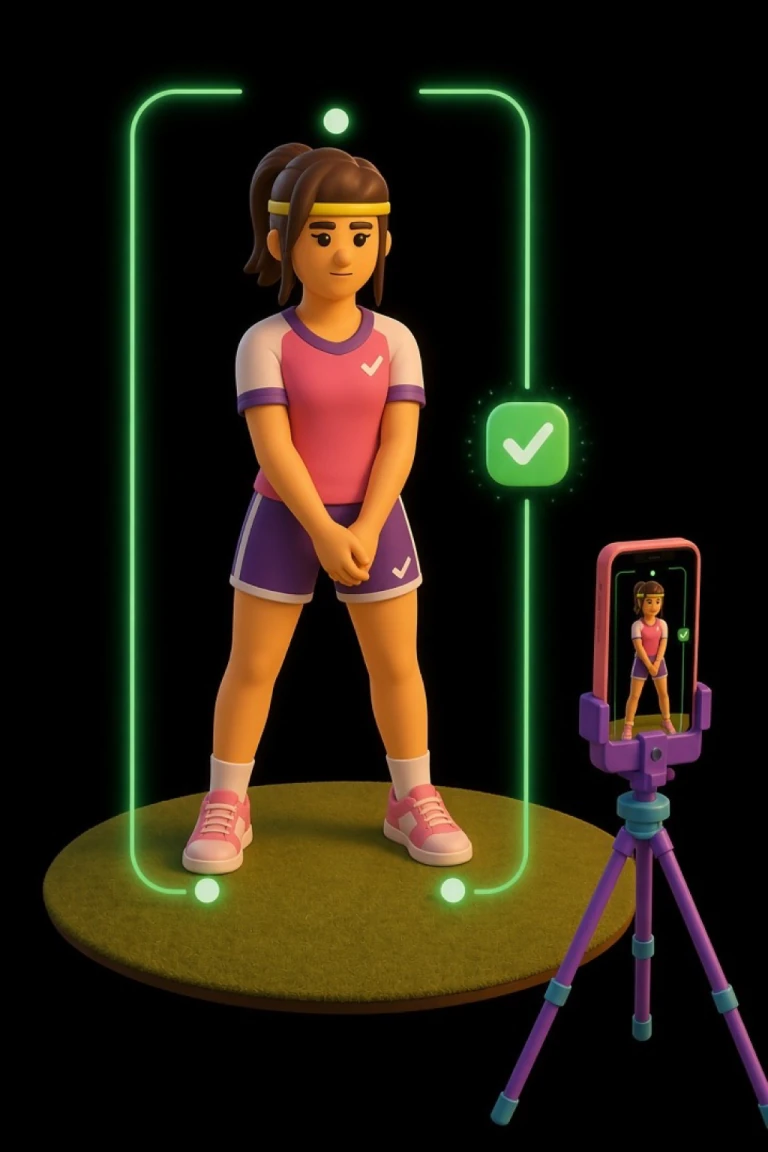 Step 3
Frame Your Swing
Adjust the device until your full body is in frame. Make sure the camera can see your hands and feet throughout your swing.
-
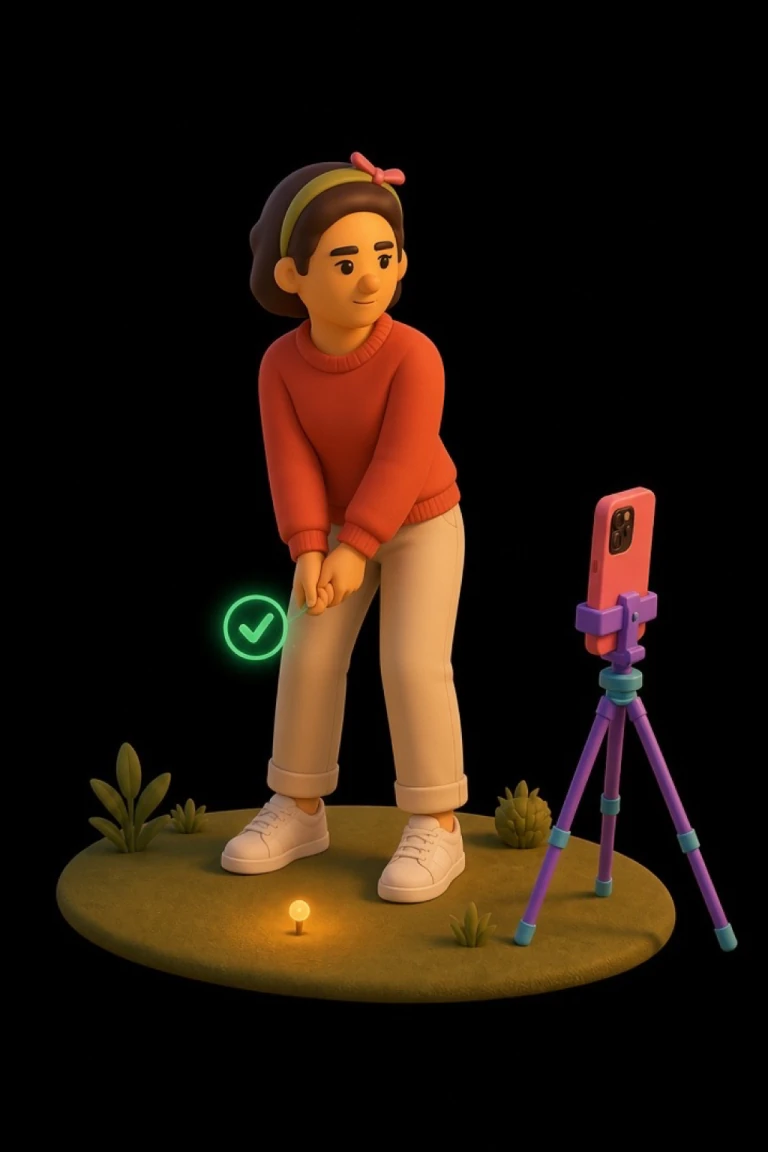 Step 4
Take Your Address
Settle into your normal address and hold still until the game confirms your stance.
-
 Step 5
Swing Away
Once your pose is confirmed, make your swing.
Set spin before you swing
With motion controls, the camera goes quiet once the ball is away so the TV picture stays smooth. Spin is set on the phone instead: before you swing, swipe down anywhere on the course for check or up for run, or thumb the ball above the bag the same way. Centered plays the club’s natural spin, and every strike re-centers it.
Play with touch controls
Touch controls need no camera and are selected by default when you play on your iPhone or iPad.
- Aim: swipe horizontally. About one full-width swipe turns 90°; repeat to turn farther.
- Load: drag down. The depth of the drag sets your power ceiling.
- Strike: flick up. Angle the flick left for draw or right for fade; a vertical flick flies straight.
- Add spin: while the ball is airborne, swipe up for forward spin or down for backspin.
- Swing the camera: while the ball is flying or rolling, swipe left or right to swing the view round the ball. Half a screen looks on from the side; a full swipe looks back at the ball from in front.
Clubs and on-screen controls
The bag button sits at the bottom-left with a short club label such as Dr, 7I, or Pt. Open the wheel, swipe up for shorter clubs or down for longer clubs, then tap a segment or the bag again to confirm. The game also suggests a club for each lie.
- Aim rail: drag the slider left or right before your swing to adjust the shot line.
- Rehit: mulligan. Undo the stroke and restore the previous lie, even mid-flight if a stroke is on the card.
- Replay: watch the tracer again. A handle slides in from the trailing edge when automatic replays were skipped.
- Play on: skip the hole-out flyaway and set up the next shot. On the Range this is Next ball. Both sit above the golf bag where Rehit lives on a scored round.
- Skip (Chipping and Putting): shown before you swing. Tap it to move to a new position around the green without having to hole the current one. Different from Next ball, which replays the same spot.
- Mini-map: press-drag for a bird’s-eye scrub; release to return to address.
- Read Green / Putt View: overhead contour grid vs low putt camera. Green and fringe only.
- Score pill: opens the scorecard. ⋯ opens pause.
- Address the Ball: ends a practice stance and returns you to the real shot.
- Flip camera: on the Motion picture-in-picture when the full course is on the phone.